
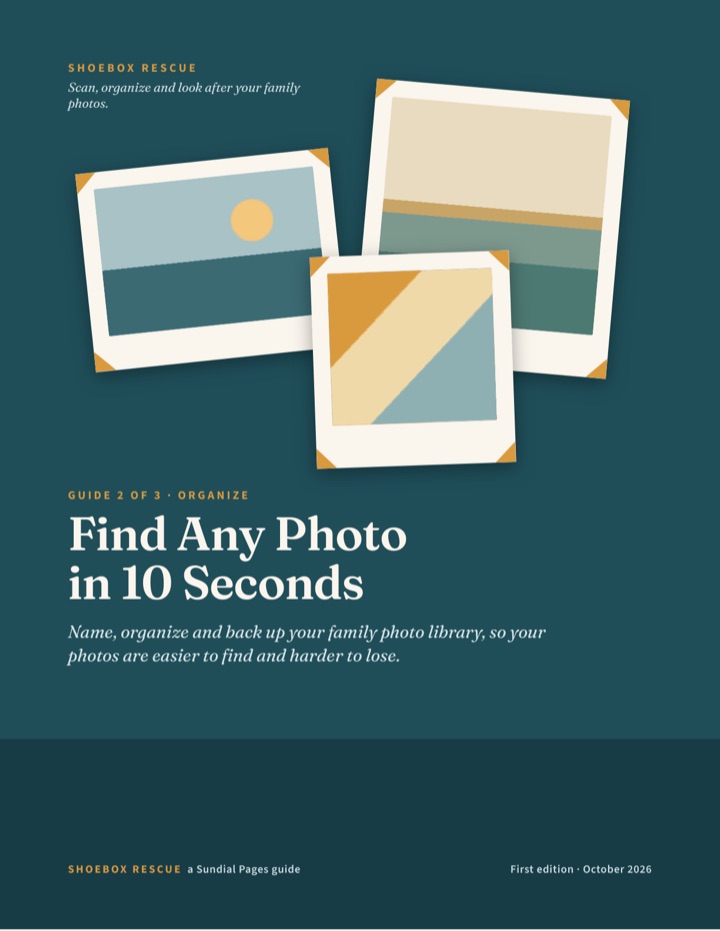
Guide 2 of 3 · Organize
Find Any Photo in 10 Seconds
Name, organize and back up your family photo library, so your photos are easier to find and harder to lose.
$14
- 27 pages, PDF, US letter, selectable text
- 7 printable worksheets at the back
- Every fact numbered to a source list (9 sources, checked October 16, 2026)
Want all three? The bundle is $22 instead of $40.
The problem it solves
Your scans, your phone, your old laptop, a few memory cards, an online account you forgot you had. The pictures exist. The problem is finding them and trusting that they will still be there next year.
What this guide gives you
- The ten-second test: a simple way to know whether your library works.
- A gathering method that finds every photo without deleting or moving anything yet.
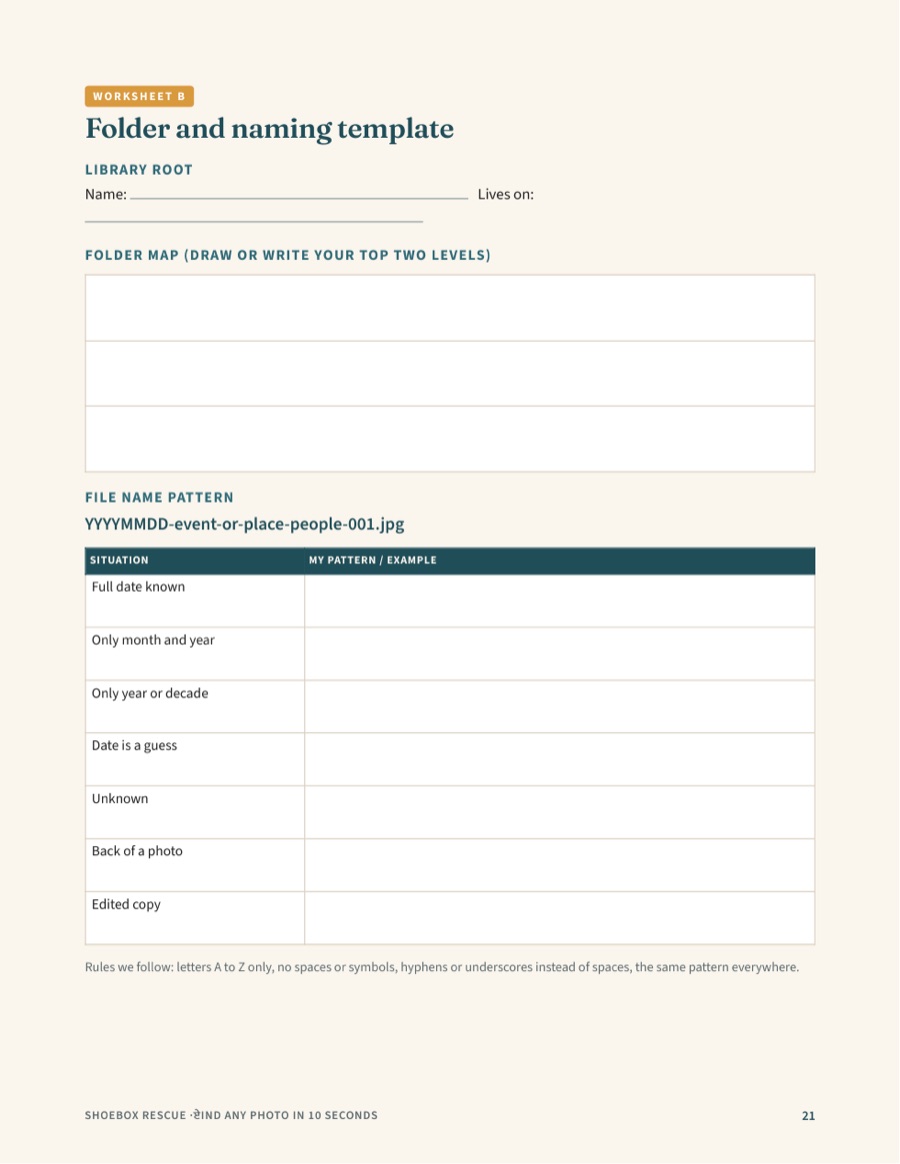
- Folder and file-naming systems you can start today, with templates.
- A captions and tags method built on the “who, what, where, when” idea used by archives.
- A duplicate-cleaning routine that keeps the best version and protects you from mistakes.
- A backup plan based on the 3-2-1 rule, with a checklist and a restore test.
- A yearly and monthly routine so the library stays healthy.
Look inside
These are pages from the finished PDF.
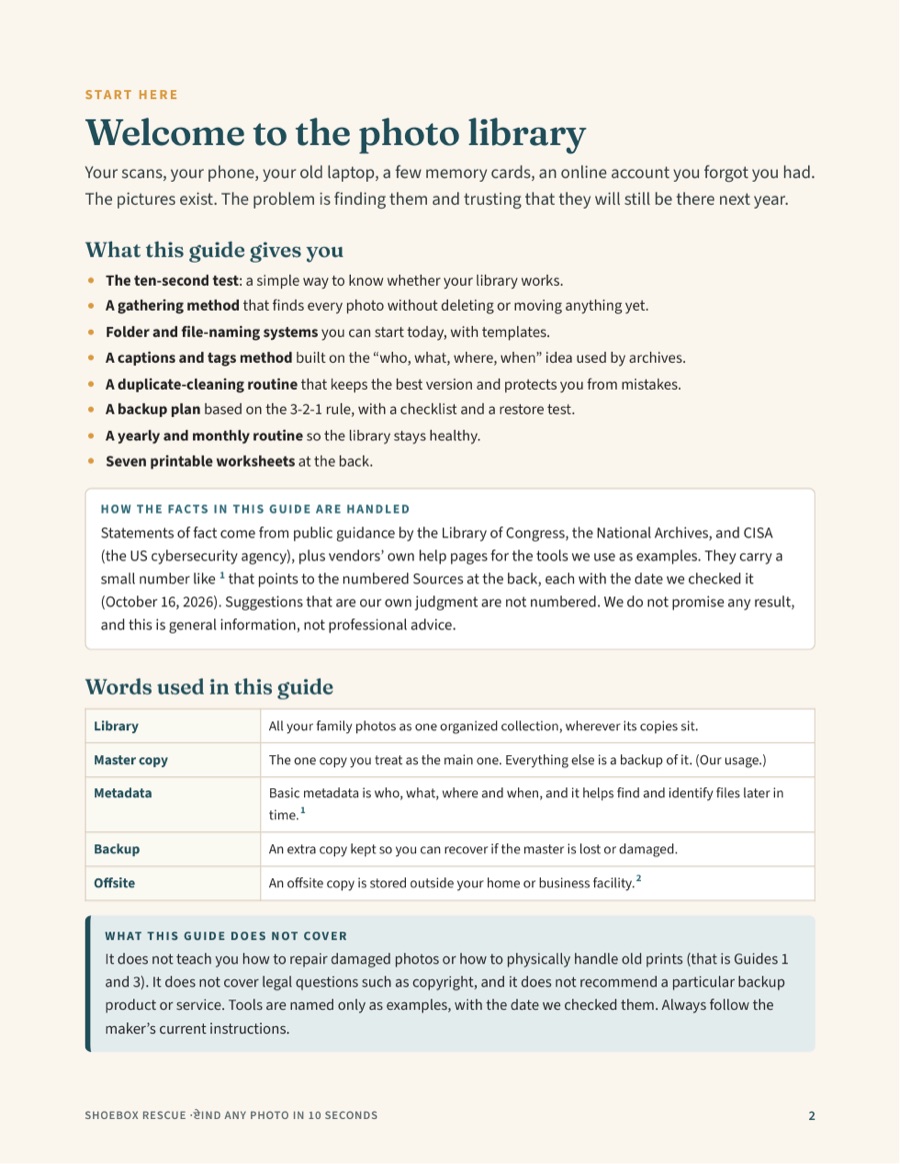
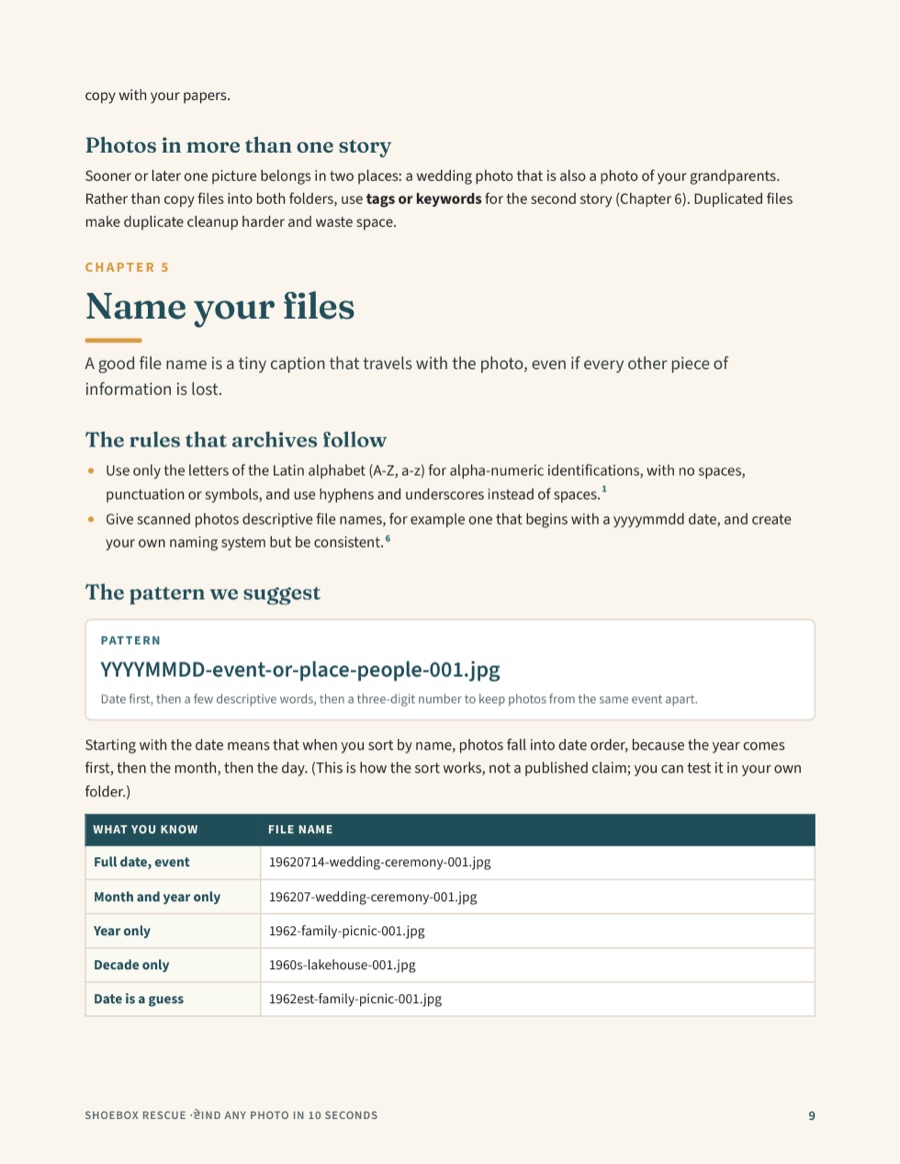
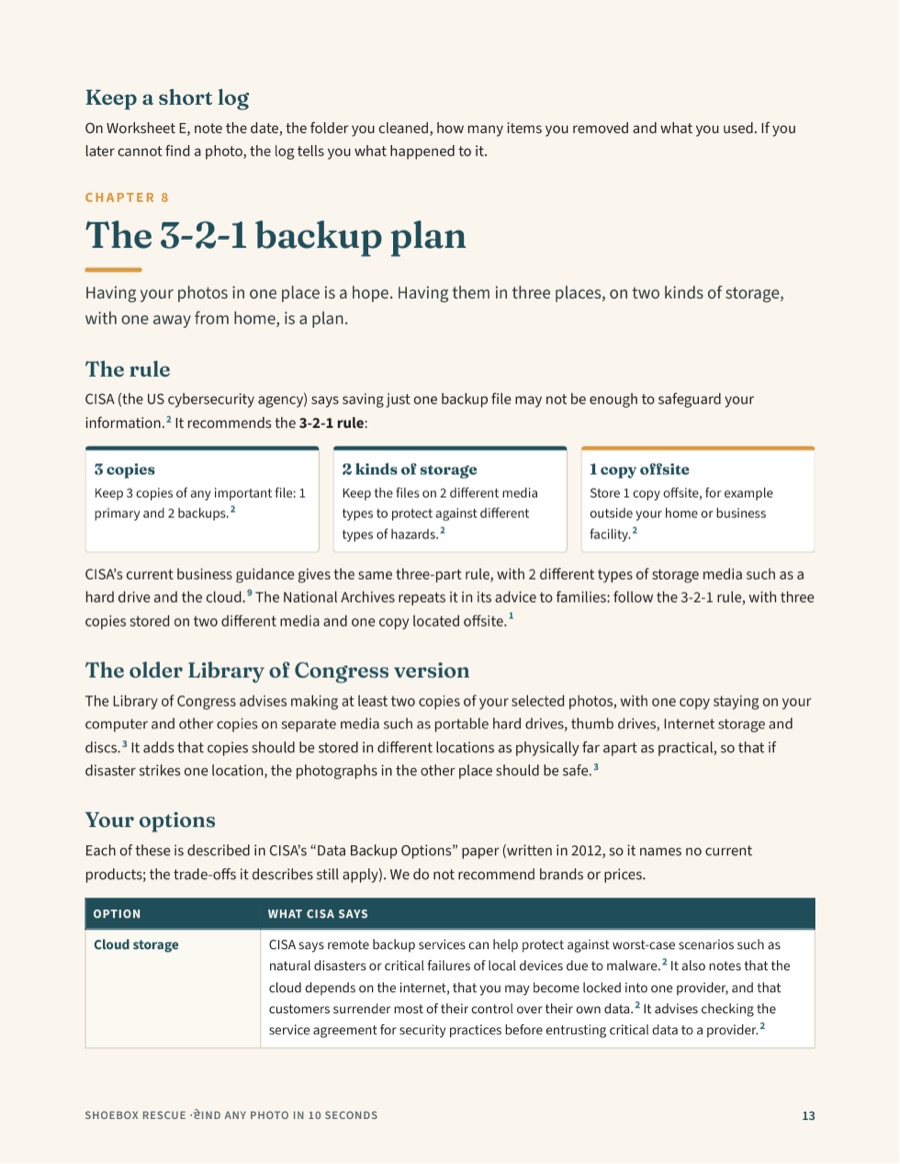
What’s inside
27 pages
Start here: welcome, how to use the guide, and a one-page summary of the whole method.
- The ten-second test
- Gather every photo (without moving anything)
- Decide what matters most
- Choose a folder structure
- Name your files
- Captions, tags and metadata
- Clearing out duplicates safely
- The 3-2-1 backup plan
- Check that your backups work
- The maintenance routine
- A four-week start plan
The whole method on one page
- Gather Find every source. Copy into one holding folder.
- Decide Keep the best version of what matters.
- Organize Folders, file names, captions.
- Back up Three copies, two kinds of media, one away from home.
- Maintain Check each year. Refresh every few years.
7 printable worksheets
- Source inventory
- Folder and naming template
- Metadata cheat sheet and caption log
- Backup checklist and 3-2-1 map
- Duplicates log
- Maintenance tracker
- The monthly 15-minute card
What it deliberately does not cover
It does not teach you how to repair damaged photos or how to physically handle old prints (that is Guides 1 and 3). It does not cover legal questions such as copyright, and it does not recommend a particular backup product or service. Tools are named only as examples.
Where the facts come from
Statements of fact in the guides come from public guidance by the Library of Congress, the National Archives, the National Park Service, CISA (the US cybersecurity agency) and the Image Permanence Institute, plus the help pages of tools named as examples. Each carries a small number that points to a Sources list at the back of the guide, with the date we checked it (October 16, 2026). Our own suggestions are not numbered, so you can tell the difference. We are not affiliated with or endorsed by any of those organizations.
Find Any Photo in 10 Seconds: $14
PDF, 27 pages. If it is not right for you, email us within 30 days for a full refund (Refund Policy).
Also in the series: